Quick comparison
The products on this list side by side: our score, a highlight and a link to our full review.
| Product | Score | Highlight | Review |
|---|
| 1Clickup | 9.8Best Overall | One place for all your tasks, chats, docs, and more | Read review |
|---|
| 2Monday-50 | 9.5Great | Loved and trusted by 180K+ global customers | Visit |
|---|
| 3Smartsheet | 9.3Very Good | Trusted by over 90% of the Fortune 100 | Read review |
|---|
Our picks in detail
A closer look at the products on this list, with what we like and what could be better.
ClickUp is a cloud-based project management tool that finds the perfect balance between offering a robust set of features and ensuring it remains affordable and user-friendly. It enables teams to collaborate effectively by providing shared task-setting functions, with status alerts and project updates that help align workflows around common goals.
What we like
- Outstanding customization capabilities
- Advanced real-time reporting tools
- Extensive view options, including Mind Map
What could be better
- To maximize business plans, onboarding and training are required
Monday.com is a cloud-based project management tool that helps teams to collaborate, plan, track, and manage tasks and projects in real-time. The tool provides a visual interface that allows users to manage tasks and workflows using customizable boards, columns, and widgets. Serving over 152,000 customers in over 200 countries, it offers a flexible, scalable, and cost-effective project management framework. But is it the right solution for you?
What we like
- Fun and easy-to-use interface
- Robust collaboration tools
- Trusted by 152,000+ customers worldwide
What could be better
- Gantt charts and timelines are only available for higher-level plans
- Lower tiers have less space for files
Smartsheet is a powerful project management and work collaboration platform designed to help you streamline your workflows, enhance team productivity, and visualize project progress in real time. Whether you're tracking projects through Gantt charts, organizing tasks in a Kanban board, building custom forms, or creating dynamic dashboards, Smartsheet provides the flexibility and automation you need to manage projects efficiently.
What we like
- Highly customizable dashboard for real-time project tracking
- Intuitive form builder for easy data collection and automation
- Pre-built Gantt chart templates for project planning
What could be better
- Steep learning curve for new users due to extensive features
- No native time tracking, requiring third-party integrations
Why ClickUp is our Editor's Choice for 2026
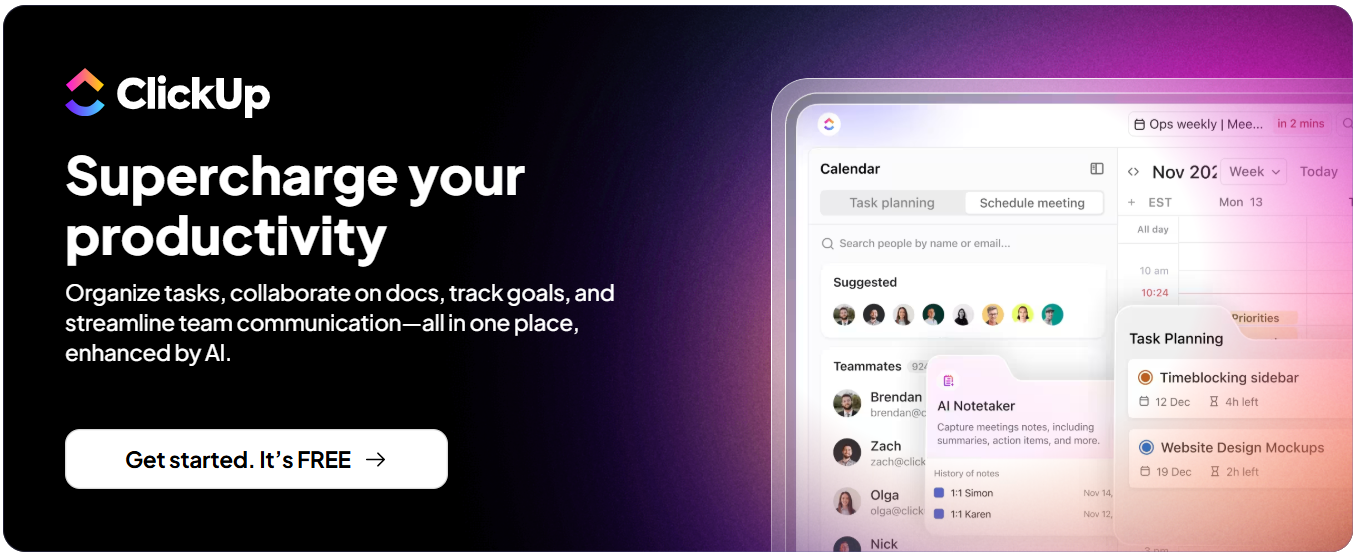
ClickUp combines tasks, docs, goals, time tracking, whiteboards, and dashboards in one workspace. For many teams, that means fewer separate subscriptions and less switching between apps. It works for small teams getting organized as well as larger companies that need structure across departments.
Everything in One PlacePlan projects, write docs, track time, and report on progress without moving between tools.
Flexible ViewsSwitch the same work between List, Board (Kanban), Gantt, Calendar, and other views, so each team can work the way it prefers.
AutomationsSet up rules that assign tasks, change statuses, post updates, and send notifications, cutting down on repetitive admin.
Built-in AIClickUp Brain, ClickUp's AI assistant, can draft docs, summarize tasks and comment threads, and answer questions about your projects. Some AI features may require a paid add-on, so check the current plans.
Dashboards and ReportingReal-time dashboards show workload, progress, and bottlenecks across projects.
IntegrationsConnects with widely used tools such as Slack, Google Drive, Zoom, and GitHub.
Plans for Every StageA free plan is available, and paid plans add more storage, features, and admin controls. See ClickUp's site for current pricing.
Bottom Line:If you want one platform for tasks, docs, and team collaboration, ClickUp is a strong place to start.
How we rank these products
Our scores are editorial opinions out of 10 and are reviewed regularly. We look at four things:
- Features what the product does and how well it does it.
- Ease of use setup, everyday use and how it works on a phone.
- Value for money prices, free plans or trials, and what each plan includes.
- Security and support how your data is handled and what help is available.
This site earns a commission from some of the providers listed, which can affect the order in which they appear.
Frequently Asked Questions (FAQ)
What are project management tools?
Project management tools are apps that help individuals and teams plan, organize, and track work in one shared place. They let you break projects into tasks, assign owners and due dates, and follow progress on lists, Kanban boards, calendars, or Gantt charts.
With remote and hybrid work now common, these tools replace scattered emails, spreadsheets, and status meetings, so everyone can see what's happening and what comes next.
How will project management tools benefit my business?
A project management tool helps your team deliver work on time with less back-and-forth. Key benefits include:
- Collaboration and communication - Comments, files, and updates live with each task instead of in scattered email threads.
- Budget control - Time tracking, expense tracking, and reports help you keep costs in check.
- Resource planning - Workload views show who is available and who is overloaded.
- Transparency and accountability - Clear owners, deadlines, and progress views keep everyone aligned.
How do I choose the right project management tool for my business?
Start with these questions, then test your shortlist with your own team on a real project:
- Does it fit how we already work, such as Kanban, sprints, or timelines?
- Is it easy enough that everyone will keep using it?
- Does it integrate with the tools we already use?
- Does it offer the reporting we need?
- Will it scale as the team grows?
- What will it cost per user, and which features are limited to higher plans?
Which features should I prioritize?
Once you know your must-haves, look for a tool that offers:
- Task assignments, due dates, and reminders
- Multiple views, such as lists, boards, and timelines
- Comments, mentions, and file sharing
- Workload and resource management
- Time tracking and project budgets
- Real-time dashboards and reports
- Automations for repetitive steps
- Mobile apps and integrations with your existing tools
Disclaimer
The aim of this website is to help you find the perfect software for your needs in an easy-to-view comparison list. You can read more about how we review and about our background in the About Us section of this website. Software.fish does not feature all of the software available in the market, we cherry-pick what we consider to be the leaders in each vertical. We try to keep this site updated and fresh, but cannot guarantee the accuracy of the information as well as the prices featured at all times. All prices quoted on this site are based on USD so there could be slight discrepancies due to currency fluctuations. Although the site is free to use, we do earn commissions from the software companies that we have partnered with. If you click on one of our links and then make a purchase, we will get paid by that company. This has an impact on the ranking, score, and order in which the software is presented in our list and elsewhere throughout the site. Software listings on this page DO NOT imply endorsement.